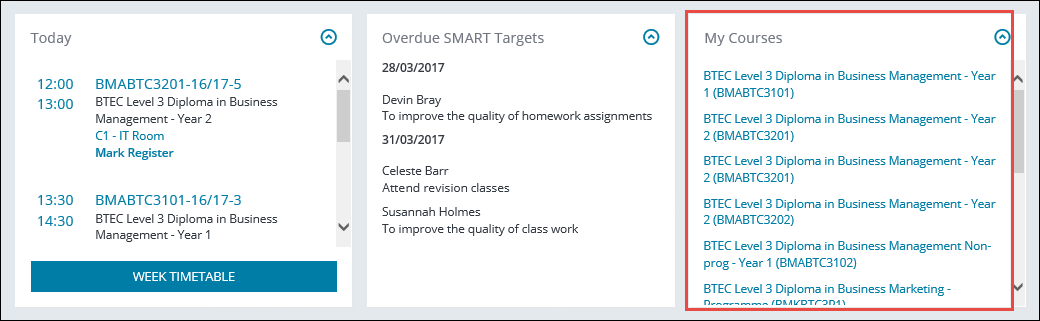
Homepage panels
The panels on the Homepage display information applicable to the logged in user.
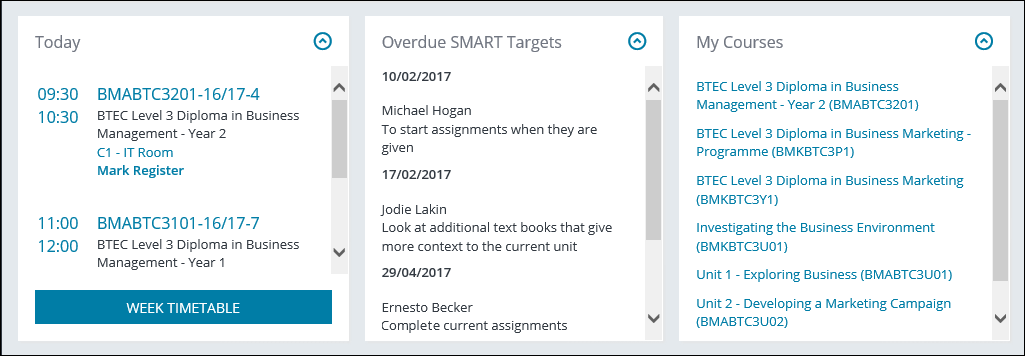
From the Homepage, you can view the following panels:
 Today panel
The Today section on the Homepage displays the currently logged in user's timetabled events for the day.
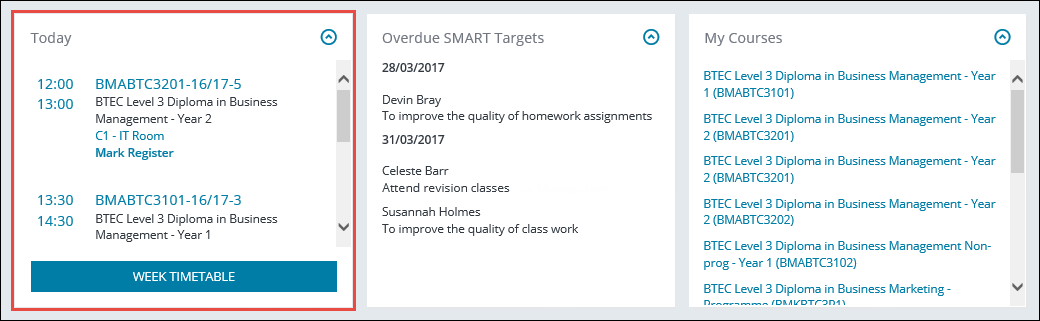
You can navigate to the following from the Today section:
- Course enrolments by selecting the relevant course link
- Room details for a course by selecting the relevant room link
-
Mark a Register by selecting the Mark Register option for the relevant course
- The Staff Timetable page by selecting the Week Timetable button which displays the user's timetable for the current week
 My Courses panel
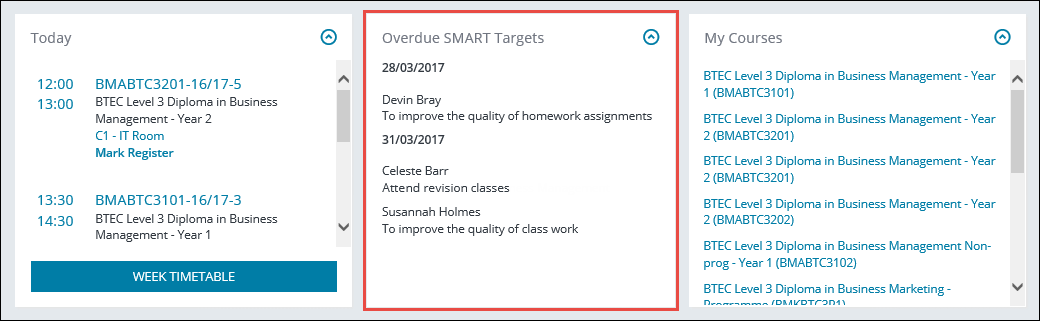
The My Courses section of the Homepage displays the currently logged in user's courses and enables you to view course enrolments by selecting the relevant course link.